Appearance
Hover Card Block
Type: Reference | Audience: Interface builder user
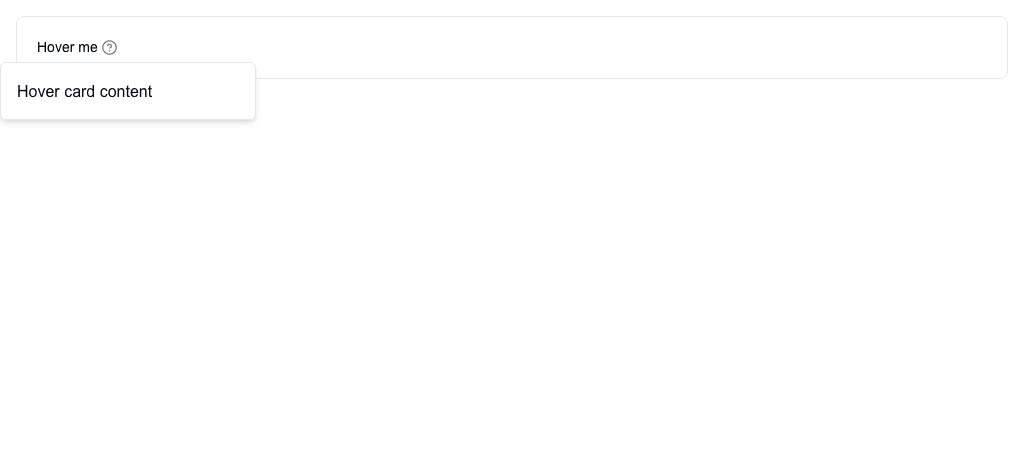
The Hover Card block shows a popup card when the user hovers over a trigger. The trigger can be text, an icon, or both.
Settings
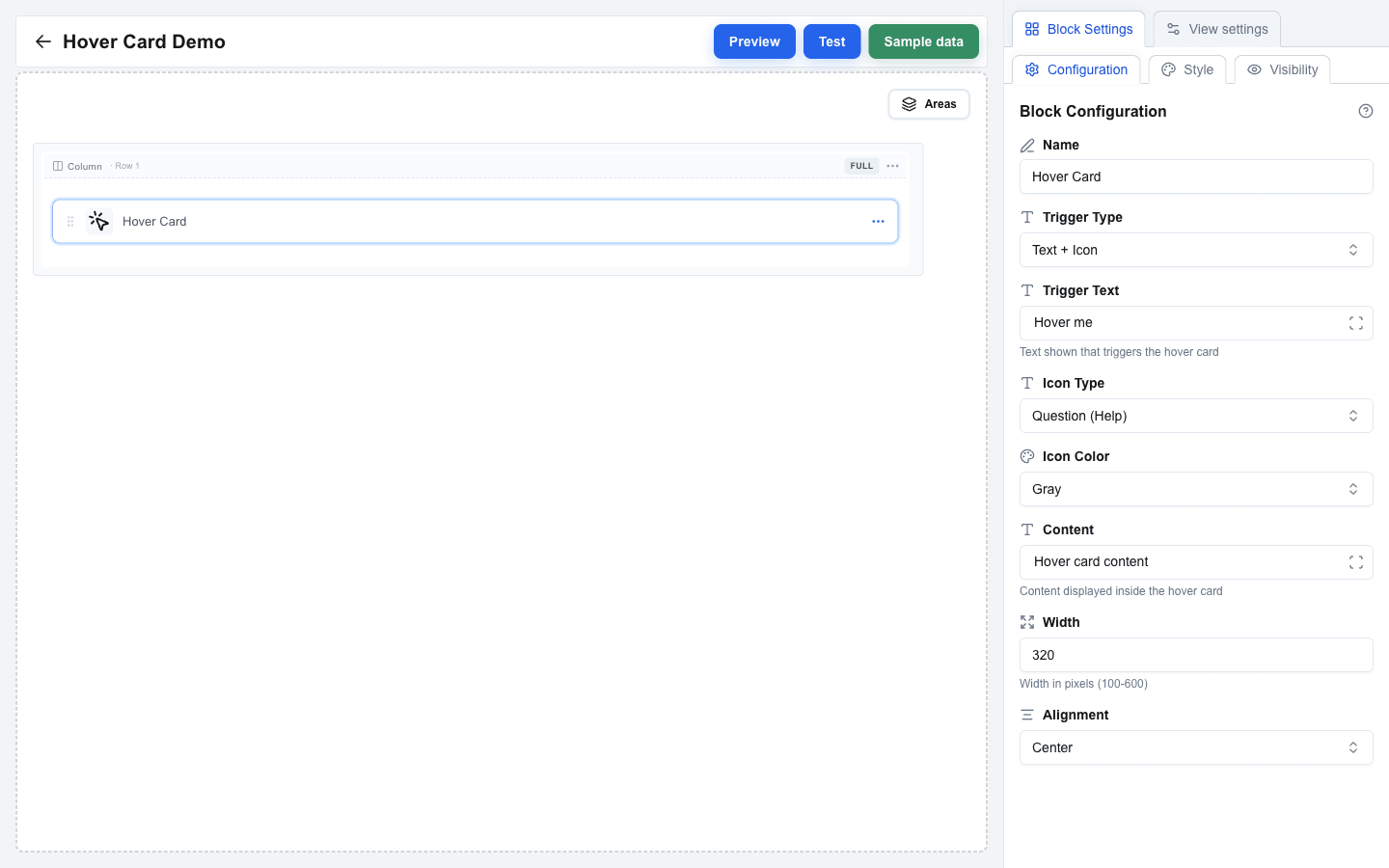
| Setting | Description |
|---|---|
| Trigger Type | Pick Text Only, Icon Only, or Text + Icon -- what the user hovers over (default: Text Only). |
| Trigger Text | The trigger's visible text. Shown when Trigger Type is Text Only or Text + Icon. Supports the Data Picker. |
| Icon Type | Pick Warning (Triangle), Info (Exclamation), or Question (Help) (default: Question (Help)). Shown when Trigger Type is Icon Only or Text + Icon. |
| Icon Color | Pick Gray (default), Red, Yellow, Blue, or Green. |
| Content | The body of the popup card. Supports the Data Picker. |
| Width | Popup width in pixels, between 100 and 600 (default: 320). |
| Alignment | Start, Center (default), or End -- horizontal alignment of the popup relative to the trigger. |
Style and Visibility
The Hover Card block uses the standard Style sub-tab (background, borders, radius) and Visibility sub-tab in Block Settings, the same as every other block. See Block Styles and Conditional Visibility.